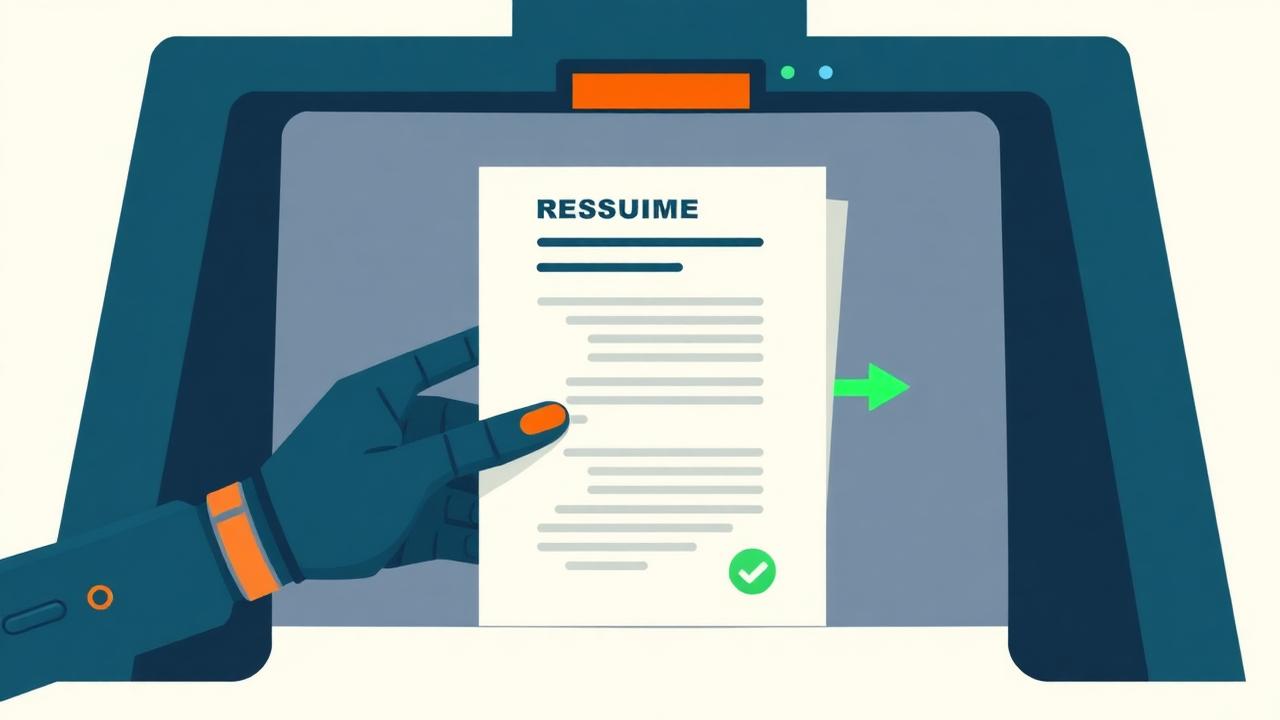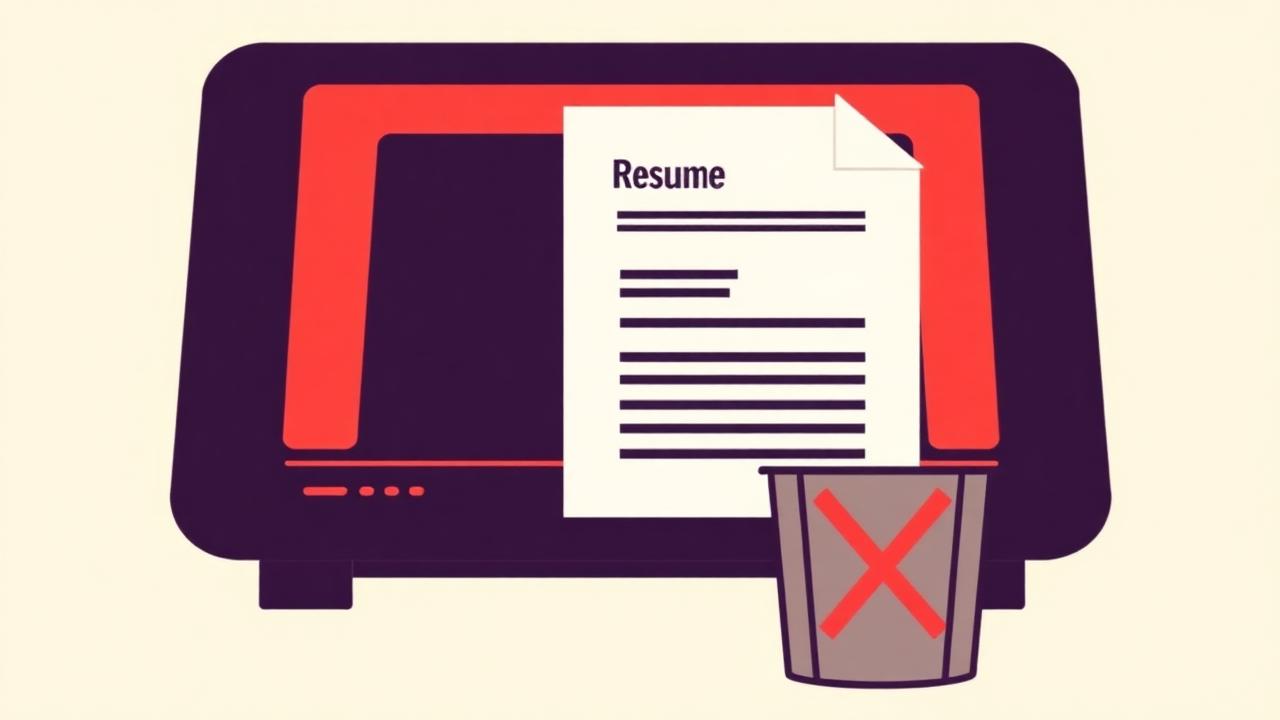
Where a resume actually gets lost
9 causes to rule out first
- Design template with sidebars or columns
- Missing keywords from the job description
- Wrong file type or a scanned/image PDF
- Job title that doesn't match industry search terms
- Contact info hidden in a header or footer
- Not meeting a stated hard filter
- Unusual fonts or symbol-font bullets
- Acronyms used without the full term (or vice versa)
- Resume length working against you
1. Your resume is a design template, not a document
Templates with sidebars, icon-based skill bars, and two-column layouts look sharp to a human eye but frequently get parsed out of order — your 2024 job might get merged with your 2019 job in the extracted text. If you downloaded a resume template from a design site, open it and copy just the plain text into a new document; if it reads in a confusing order, an ATS will likely misread it too.
2. Missing keywords from the job description
If a posting asks for "project management" and your resume only says "led team initiatives," a keyword-matching system may not connect the two. This isn't about lying — it's about using the same vocabulary the employer used, where it's honestly true of your experience.
3. Wrong file type or a scanned/image PDF
A PDF exported as an image (common with some scanning apps or "print to PDF" from certain tools) has no selectable text for a parser to read at all. Open your PDF and try to select a sentence of text with your cursor — if you can't highlight it, the parser can't read it either.
4. Job titles that don't match how the industry searches
If your official title was something internal and unusual, like "Growth Ninja," but your work matched a standard "Marketing Associate" role, recruiters searching the standard term won't find you. Keep the real title if required, but consider adding the standard equivalent in parentheses.
5. Contact information in a header or footer
Some parsers don't read page headers and footers at all. If your phone number and email are tucked into a document header, move them into the main body of the page.
6. Applying without meeting basic filters
Some systems apply hard filters before ranking — minimum years of experience, required work authorization, location radius. If you're well under a stated minimum requirement, no formatting fix will help; that's a fit issue, not a parsing issue, and it's worth being selective about which of these postings to spend time on.
7. Unusual fonts or special characters
Decorative fonts, and special characters used as bullet points (like arrows or checkmarks made from symbol fonts) can render as garbled characters in some parsers. Standard fonts and simple bullets are the safer choice.
8. Acronyms without the full term (or vice versa)
If you only write "SEO" and the system searches for "search engine optimization," you may not be matched, or vice versa. Include both forms at least once.
9. Resume length working against you
This isn't a strict parsing issue, but an overly long resume dilutes keyword density and can push your strongest, most relevant content past what a recruiter reviews in a first pass. Keep it to one page for under ~7 years of experience, two pages beyond that.
Run your current resume through a real ATS parsing check to see which of these are actually affecting you.
Check Your ATS Score