Twenty designed templates. One letter that sounds like you.
Import your resume or fill the details once, then switch templates, tone and length to watch the letter redesign and rewrite itself live.
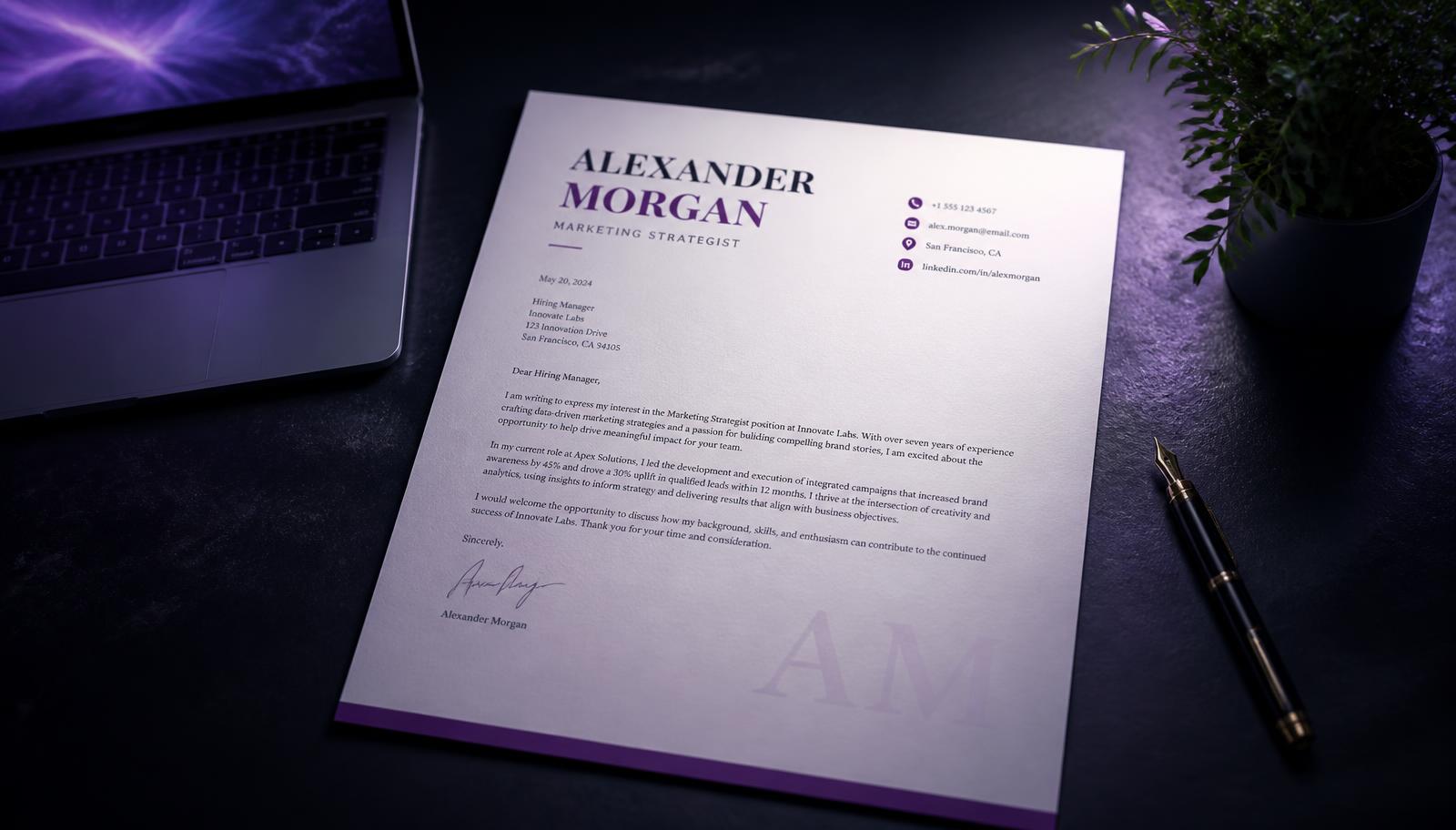
Choose a template
Each one changes the structure, name treatment and colour of the letter — not just the font.
Your details
Use an existing resume
We pull your name, contact details, skills and quantified wins straight out of the file.
PDF, DOCX or TXT — up to 4 MB
Tone
Length
Classic Block
94 words · live preview
Product Designer · Northwind
you@example.com · +91 98200 11223 · Bengaluru, IN
October 3, 2026

your company

Dear Hiring Team,

I am writing to apply for the the advertised role position at your company. I bring hands-on experience and a track record of shipping work that moves the numbers.

My experience maps closely to what this posting describes.

your company is where I want to do my next stretch of work, and I would rather go deep somewhere I believe in.

Thank you for considering my application. I would welcome the chance to discuss how I can contribute at your company.

Sincerely,
Your name
Keep it to one page, lead with a number, and never repeat your resume line for line.
What is the Cover Letter Generator?
A cover letter earns its place when it explains something the resume cannot: why this role, why this employer, and how your experience maps onto the problem described in the advert. The letters that fail are the ones that could have been sent to any company — a paragraph of enthusiasm, a restatement of the resume, and a polite sign-off.
The Nitshield Cover Letter Generator starts from the two things that make a letter specific: the job description you are answering and the background you already have on file. It picks up the responsibilities and requirements the advert emphasises, matches them against your experience, and drafts a structured letter — an opening that names the role and the hook, body paragraphs that pair a requirement with concrete evidence, and a close with a clear next step.
The draft is a starting point, not a finished submission. You keep full control of the tone, the length and every claim in it, and you should edit anything that does not sound like you. Used that way, the tool removes the blank-page problem and the repetitive structural work, leaving you to spend your time on the sentences that actually persuade a reader.
At a glance
- Built from the specific advert, not a generic template
- Pairs each requirement with evidence from your background
- Clear structure: hook, evidence, motivation, close
- Fully editable before you send anything
How Nitshield works
Three inputs, one structured draft you can edit and send.
Diagram: job description and your background become personalised content, then a professional cover letter.
Add the job description
Paste the advert so the letter can answer the responsibilities it actually lists.
Bring your background
Reuse a saved resume or add the roles and achievements you want the letter to draw on.
Personalised content
Requirements are matched to your evidence and shaped into paragraphs, not filler.
Edit and send
Adjust tone and length, check every claim, then export or copy the finished letter.
What you get
The draft arrives already structured the way hiring managers read.
A tailored opening
Names the role and gives one specific reason you are writing, instead of a generic greeting.
Requirement-to-evidence pairing
Each key requirement in the advert is answered with something you have actually done.
A clean professional layout
Standard business letter structure and length, ready to paste into an application form.
Tone you control
Shift between formal and conversational so the letter matches the company you are writing to.
Fast per-application variants
Regenerate against a different advert instead of rewriting from scratch each time.
Consistency with your resume
Drawing on the same saved profile keeps dates, titles and claims aligned across documents.
How to get better results
Paste the whole advert
Including the responsibilities section. Half a job title gives the generator nothing specific to answer.
Add one detail only you know
A product you use, a recent company announcement, a shared technical problem. One concrete line lifts the whole letter.
Keep it under one page
Three or four tight paragraphs. Anything longer competes with the resume rather than introducing it.
Rewrite the opening in your own voice
The first two sentences decide whether the rest gets read, and they are the easiest place to sound generic.
Verify every claim before sending
Check that dates, titles and numbers in the draft match what is on your resume and what you can defend in an interview.
Common mistakes to avoid
- Sending the same letter to multiple employers with only the company name swapped.
- Repeating the resume line by line instead of explaining and connecting it.
- Opening with "I am writing to apply for the position of…" and nothing else specific.
- Writing about what the job would do for you rather than what you would contribute.
- Leaving an unedited generated draft with placeholder phrasing or claims you cannot back up.
- Running past one page, or pasting a wall of text with no paragraph breaks.
- Forgetting to update the company or role name after reusing a previous letter.
Who should use this tool?
Anyone who needs to write letters regularly and wants each one to stay specific.
Active job seekers
People applying to several roles a week who cannot rewrite from zero every time.
Career changers
Applicants who need space to explain a transition that a resume alone leaves ambiguous.
Graduates
Early applicants with limited history who need to argue potential from projects and coursework.
Returners
Anyone re-entering work after a break who wants to address it directly and briefly.
Frequently asked questions
Limitations and disclaimer
Generated letters are drafts for your review. Always read and edit before sending: you are responsible for the accuracy of every claim, and no letter — however well written — guarantees a response or an interview.